
Portable Speaker Distortion? Complete Troubleshooting Guide
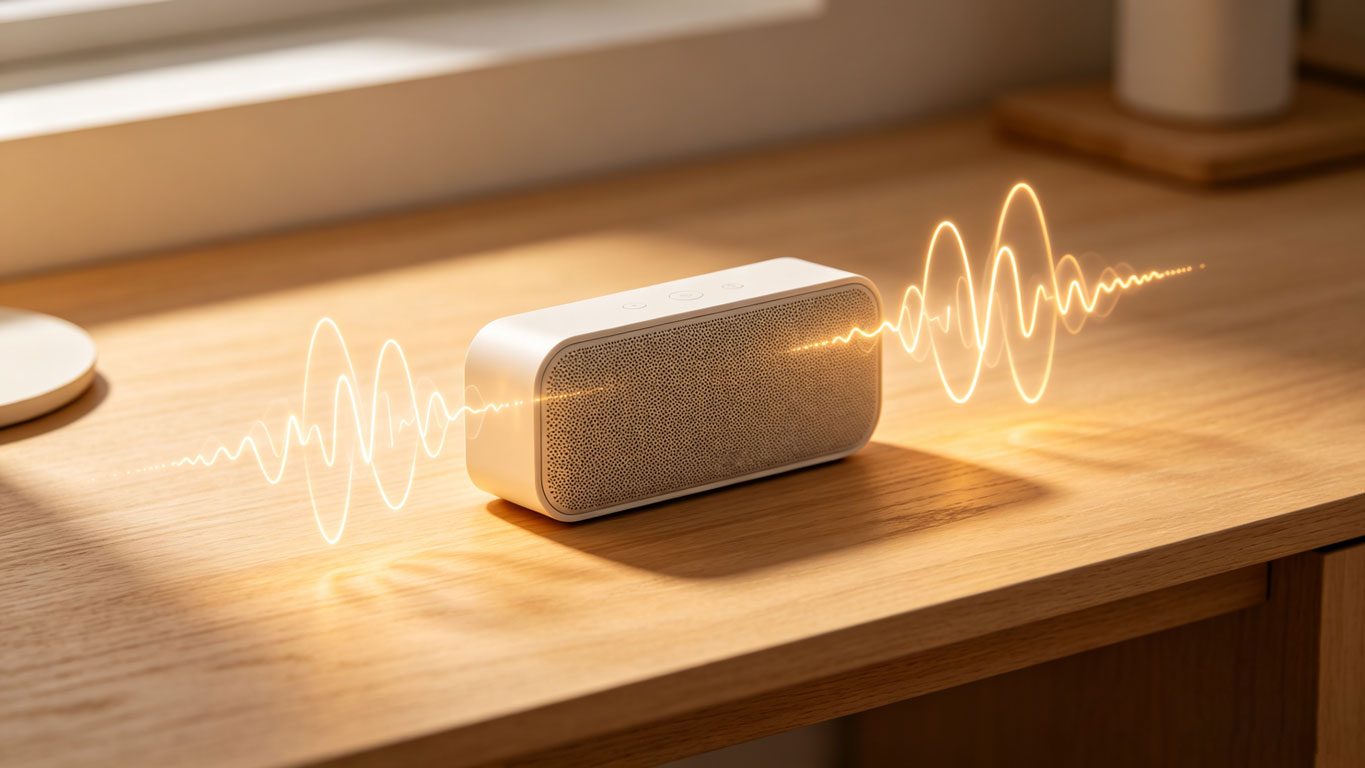
Sudden crackling during camping music, harsh rhythms while working out, or muffled calls during office hours—portable speaker distortion always ruins the mood in key moments. As high-frequency audio devices, portable speakers are more prone to sound distortion due to their mobility and complex usage environments. In fact, most distortion isn’t caused by hardware damage but by improper operation or minor malfunctions. This article compiles a step-by-step troubleshooting process from simple to complex, helping you quickly locate issues and restore clear sound quality.
I. First, Perform 3 Basic Checks (80% of Faults Can Be Fixed Quickly)
Don’t rush to disassemble the speaker when distortion occurs. Start with the easiest-to-overlook basic settings—you’ll likely resolve the problem efficiently.
1. Volume Overload: The Most Common "Distortion Culprit"
Most portable speaker distortion is caused by turning the volume too high. Speaker drivers have a rated power limit; exceeding this causes the diaphragm to vibrate excessively, resulting in crackling or noise. This is especially true when connecting to phones or computers—cranking both the device and speaker volume to maximum easily triggers overload distortion.
Troubleshooting Method: Immediately lower the speaker volume to 50%-70% and reduce the connected device’s volume by 30%. Test with soothing music to see if distortion disappears. If it does, stick to 80% volume or lower for daily use to avoid prolonged full-load operation.
2. Connection Issues: Signal Interference or Poor Contact
For wireless portable speakers (especially Bluetooth models), connection stability directly affects sound quality. Bluetooth signal interference, excessive distance, or loose audio cables (for wired speakers) can cause intermittent sound or noisy distortion.
Troubleshooting Method: For Bluetooth speakers, keep the device within 10 meters, avoid strong interference sources like routers or microwaves, turn off other Bluetooth devices, and re-pair. For wired speakers, check that both ends of the audio cable are firmly plugged in; test with a new 3.5mm or Type-C cable to rule out aging or damage.
3. Audio Source Problems: Not the Speaker’s Fault
Sometimes distortion stems from low-quality audio files rather than speaker issues. Overly compressed MP3s (bitrate below 128kbps), corrupted files, or network lag during streaming can make sound distorted or muffled.
Troubleshooting Method: Switch to a high-quality audio source (lossless music with a bitrate of 320kbps or higher) and test with local playback. If sound quality improves, the original source is problematic—opt for lossless formats whenever possible.
II. Advanced Troubleshooting: Hardware & Environmental Factors
If basic checks don’t work, further inspect the speaker’s hardware and usage environment—these easily overlooked factors have a significant impact.
1. Clogged or Damaged Speaker Drivers
Portable speakers are often used outdoors, making them vulnerable to dust, sand, or liquid entering the speaker grille. This clogs the diaphragm, causing abnormal vibration and distortion. Prolonged high-volume use or accidental impacts can also deform the diaphragm or damage the speaker coil.
Troubleshooting Method: First, turn off the power and gently clean dust/debris from the grille with a soft brush—avoid sharp tools. If distortion persists (especially worse with bass), the diaphragm may be damaged; contact after-sales for repairs.
2. Low Battery or Aging Battery
Wireless portable speakers rely on battery power. When battery level drops below 20%, unstable power supply disrupts the audio amplifier circuit, leading to distortion or reduced volume. Batteries older than 2 years with degraded capacity can cause similar issues.
Troubleshooting Method: Fully charge the speaker and retest. If distortion disappears, low battery was the cause. If distortion recurs after charging and battery life is significantly reduced, replace with an original battery.
3. Environmental Humidity or Temperature Effects
While many portable speakers are labeled "waterproof," prolonged exposure to high humidity (e.g., bathrooms, rainy days) can allow moisture to seep into internal circuits, causing short circuits or corrosion. Extreme temperatures (over 40℃/104℉ in direct sunlight or below -10℃/14℉ in cold weather) also affect diaphragm flexibility and battery performance.
Troubleshooting Method: If the speaker has been exposed to water or moisture, turn it off and let it dry in a well-ventilated area for 24-48 hours before testing. Avoid use in temperatures outside 40℃ to -10℃; protect from sun and moisture outdoors.
III. Ultimate Solution: Professional Repairs & Daily Maintenance
If all above checks fail, internal circuit issues (e.g., damaged amplifier chips or aging capacitors) may be the cause. Do not disassemble the speaker yourself—contact the brand’s after-sales service or a professional repair shop. Meanwhile, proper daily maintenance can significantly reduce distortion:
Avoid prolonged high-volume playback, especially music with heavy bass, to minimize speaker wear;
Regularly clean dust from the speaker grille and ports to prevent buildup;
Keep Bluetooth speaker firmware updated to fix potential compatibility issues;
Use only genuine chargers to avoid voltage instability damaging circuits.
Most portable speaker distortion is a "fixable" minor issue. Follow the sequence of "basic settings → hardware status → usage environment" to troubleshoot efficiently. With proper daily care, you’ll extend the speaker’s lifespan and enjoy clear sound quality consistently. If distortion persists after troubleshooting, leave a comment with your speaker brand and fault details for further discussion!
I. First, Perform 3 Basic Checks (80% of Faults Can Be Fixed Quickly)
Don’t rush to disassemble the speaker when distortion occurs. Start with the easiest-to-overlook basic settings—you’ll likely resolve the problem efficiently.
1. Volume Overload: The Most Common "Distortion Culprit"
Most portable speaker distortion is caused by turning the volume too high. Speaker drivers have a rated power limit; exceeding this causes the diaphragm to vibrate excessively, resulting in crackling or noise. This is especially true when connecting to phones or computers—cranking both the device and speaker volume to maximum easily triggers overload distortion.
Troubleshooting Method: Immediately lower the speaker volume to 50%-70% and reduce the connected device’s volume by 30%. Test with soothing music to see if distortion disappears. If it does, stick to 80% volume or lower for daily use to avoid prolonged full-load operation.
2. Connection Issues: Signal Interference or Poor Contact
For wireless portable speakers (especially Bluetooth models), connection stability directly affects sound quality. Bluetooth signal interference, excessive distance, or loose audio cables (for wired speakers) can cause intermittent sound or noisy distortion.
Troubleshooting Method: For Bluetooth speakers, keep the device within 10 meters, avoid strong interference sources like routers or microwaves, turn off other Bluetooth devices, and re-pair. For wired speakers, check that both ends of the audio cable are firmly plugged in; test with a new 3.5mm or Type-C cable to rule out aging or damage.
3. Audio Source Problems: Not the Speaker’s Fault
Sometimes distortion stems from low-quality audio files rather than speaker issues. Overly compressed MP3s (bitrate below 128kbps), corrupted files, or network lag during streaming can make sound distorted or muffled.
Troubleshooting Method: Switch to a high-quality audio source (lossless music with a bitrate of 320kbps or higher) and test with local playback. If sound quality improves, the original source is problematic—opt for lossless formats whenever possible.
II. Advanced Troubleshooting: Hardware & Environmental Factors
If basic checks don’t work, further inspect the speaker’s hardware and usage environment—these easily overlooked factors have a significant impact.
1. Clogged or Damaged Speaker Drivers
Portable speakers are often used outdoors, making them vulnerable to dust, sand, or liquid entering the speaker grille. This clogs the diaphragm, causing abnormal vibration and distortion. Prolonged high-volume use or accidental impacts can also deform the diaphragm or damage the speaker coil.
Troubleshooting Method: First, turn off the power and gently clean dust/debris from the grille with a soft brush—avoid sharp tools. If distortion persists (especially worse with bass), the diaphragm may be damaged; contact after-sales for repairs.
2. Low Battery or Aging Battery
Wireless portable speakers rely on battery power. When battery level drops below 20%, unstable power supply disrupts the audio amplifier circuit, leading to distortion or reduced volume. Batteries older than 2 years with degraded capacity can cause similar issues.
Troubleshooting Method: Fully charge the speaker and retest. If distortion disappears, low battery was the cause. If distortion recurs after charging and battery life is significantly reduced, replace with an original battery.
3. Environmental Humidity or Temperature Effects
While many portable speakers are labeled "waterproof," prolonged exposure to high humidity (e.g., bathrooms, rainy days) can allow moisture to seep into internal circuits, causing short circuits or corrosion. Extreme temperatures (over 40℃/104℉ in direct sunlight or below -10℃/14℉ in cold weather) also affect diaphragm flexibility and battery performance.
Troubleshooting Method: If the speaker has been exposed to water or moisture, turn it off and let it dry in a well-ventilated area for 24-48 hours before testing. Avoid use in temperatures outside 40℃ to -10℃; protect from sun and moisture outdoors.
III. Ultimate Solution: Professional Repairs & Daily Maintenance
If all above checks fail, internal circuit issues (e.g., damaged amplifier chips or aging capacitors) may be the cause. Do not disassemble the speaker yourself—contact the brand’s after-sales service or a professional repair shop. Meanwhile, proper daily maintenance can significantly reduce distortion:
Avoid prolonged high-volume playback, especially music with heavy bass, to minimize speaker wear;
Regularly clean dust from the speaker grille and ports to prevent buildup;
Keep Bluetooth speaker firmware updated to fix potential compatibility issues;
Use only genuine chargers to avoid voltage instability damaging circuits.
Most portable speaker distortion is a "fixable" minor issue. Follow the sequence of "basic settings → hardware status → usage environment" to troubleshoot efficiently. With proper daily care, you’ll extend the speaker’s lifespan and enjoy clear sound quality consistently. If distortion persists after troubleshooting, leave a comment with your speaker brand and fault details for further discussion!
2026 Party Speaker Recommendations: ABS-8213 & ABS-10201
How to Maximize Portable Speaker Battery Life


